Crosslisting for second-hand sellers
One product. Every marketplace.
Describe your item once. Fripsync prepares the listing for Vinted, Depop, Leboncoin and Vestiaire Collective, and its Chrome extension fills in the sell form for you.
7-day free trial, cancel at any time. Your data stays exportable.
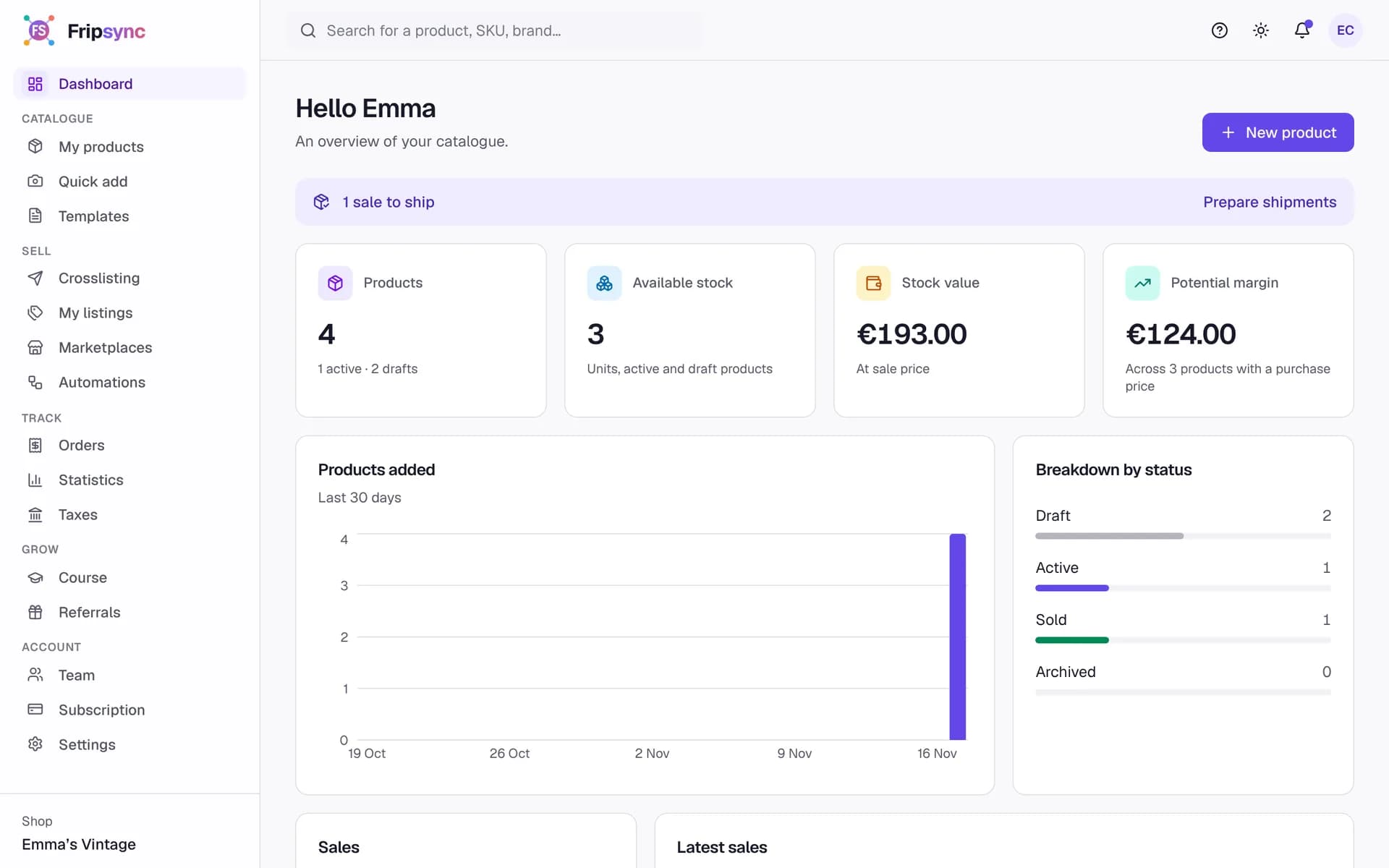
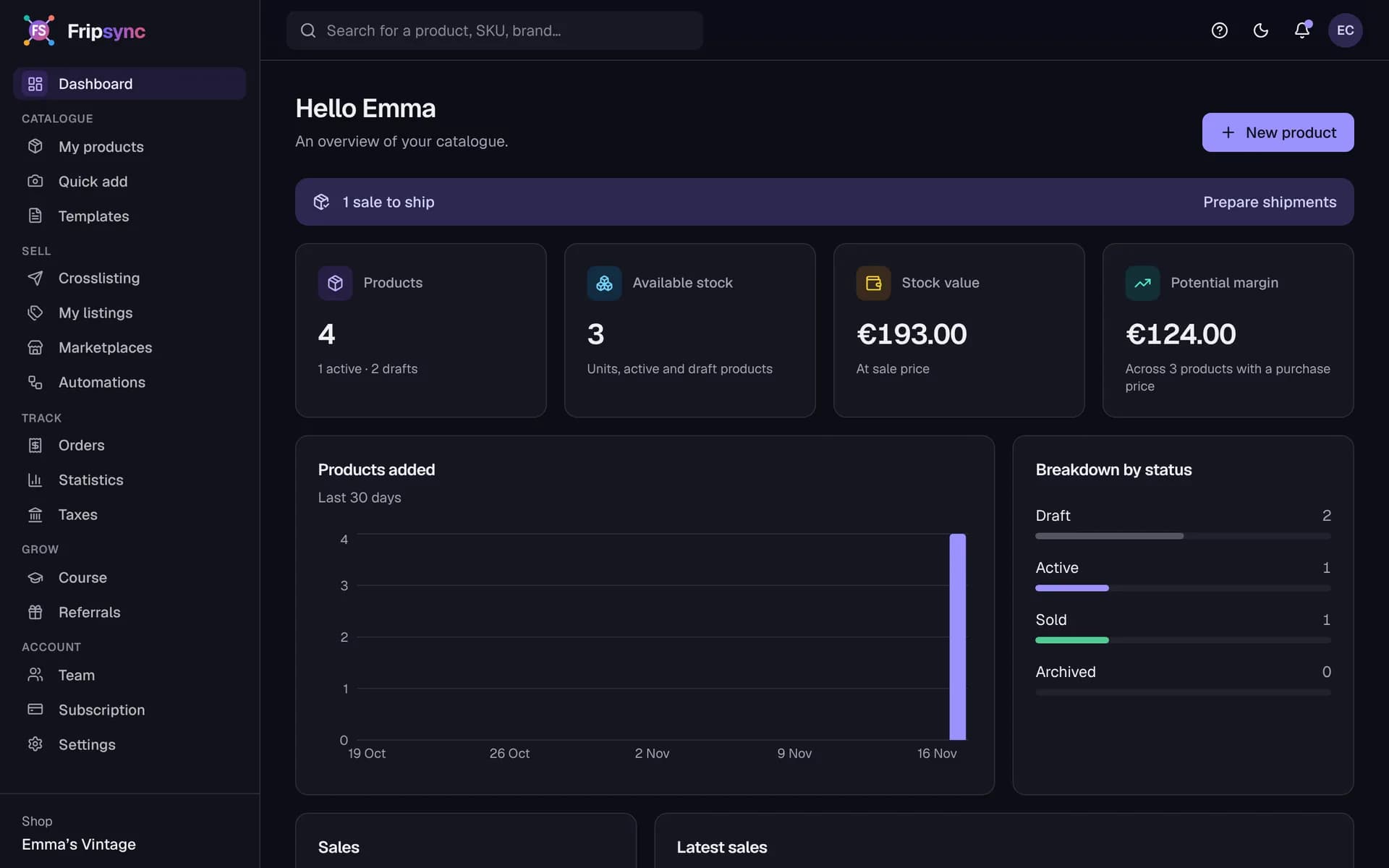
How it works
- 1
Create your item
Add the item to your catalogue once, with its photos and price.
- 2
Tailor it per marketplace
Choose where to sell. Fripsync prepares a listing for each site and flags anything missing.
- 3
Publish with the extension
The extension fills in the sell form in your browser. You check, you publish.
Supported marketplaces
Publishing happens in your browser, with the extension. Fripsync is not an official partner of these platforms. What this means
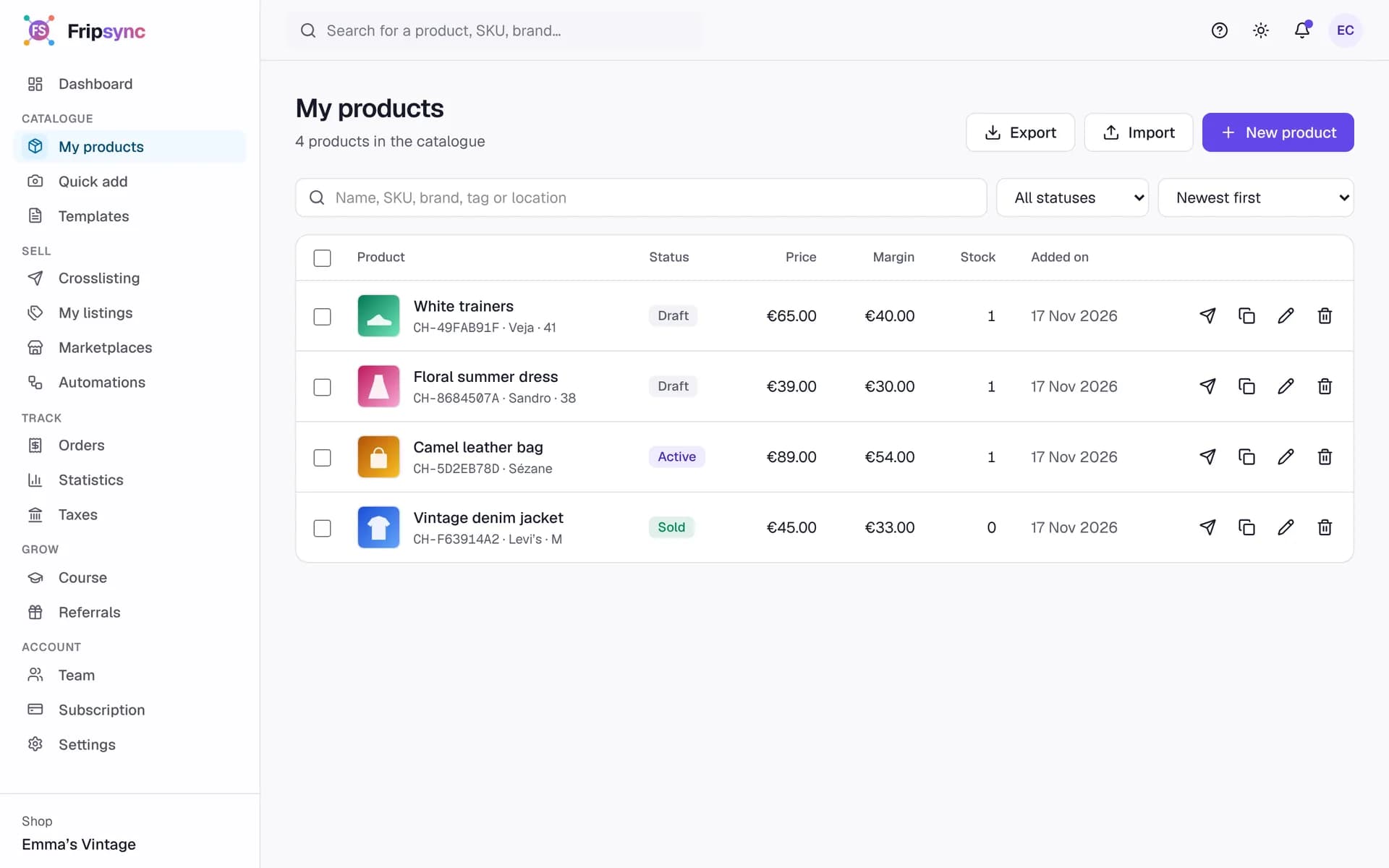
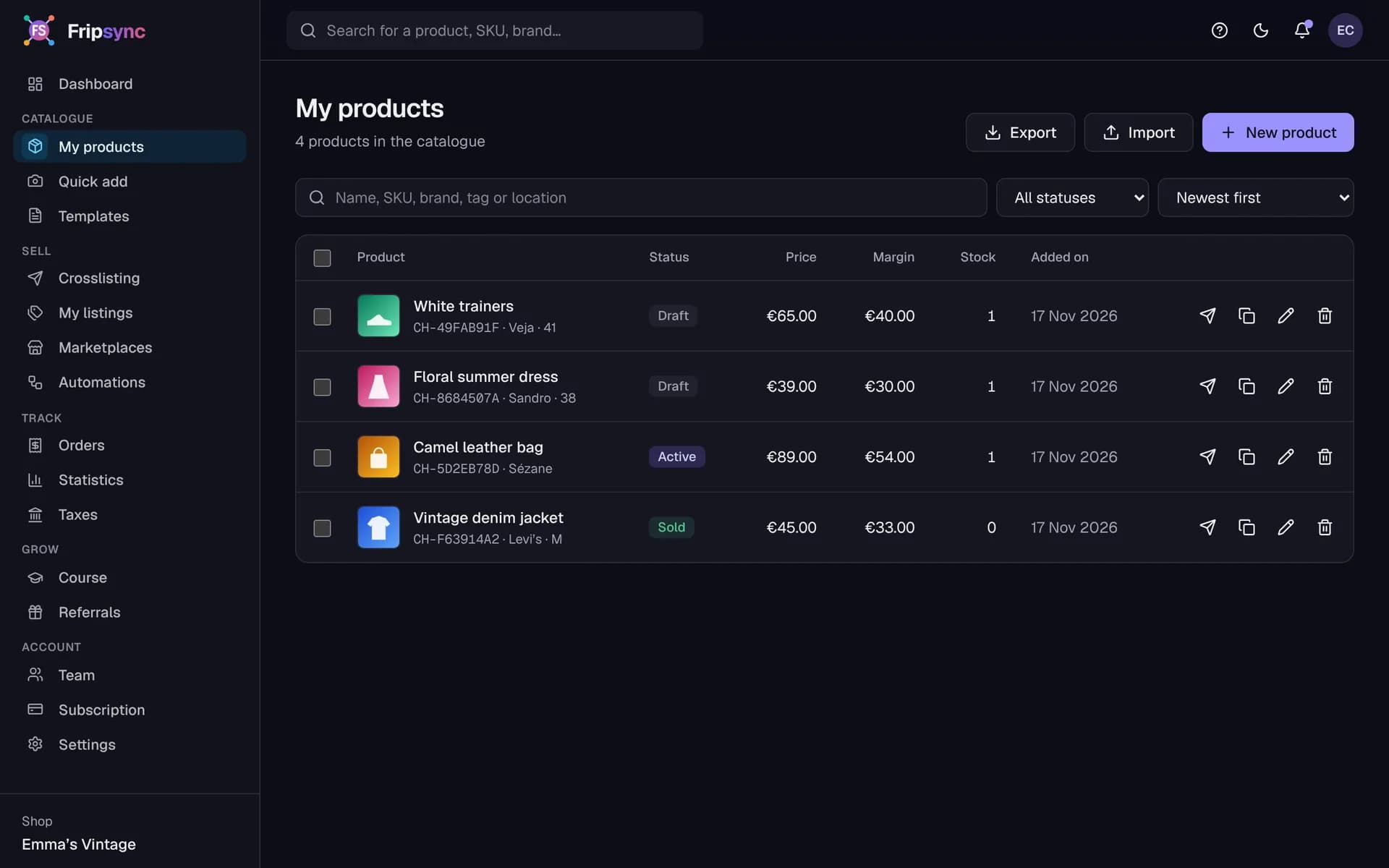
Catalogue
All your stock in one place
Every item has its own record: photos, purchase and sale price, stock, condition. Search, filter, bulk edit, import or export as CSV.
- CSV import and export
- Bulk editing
- Search and filters
Crosslisting
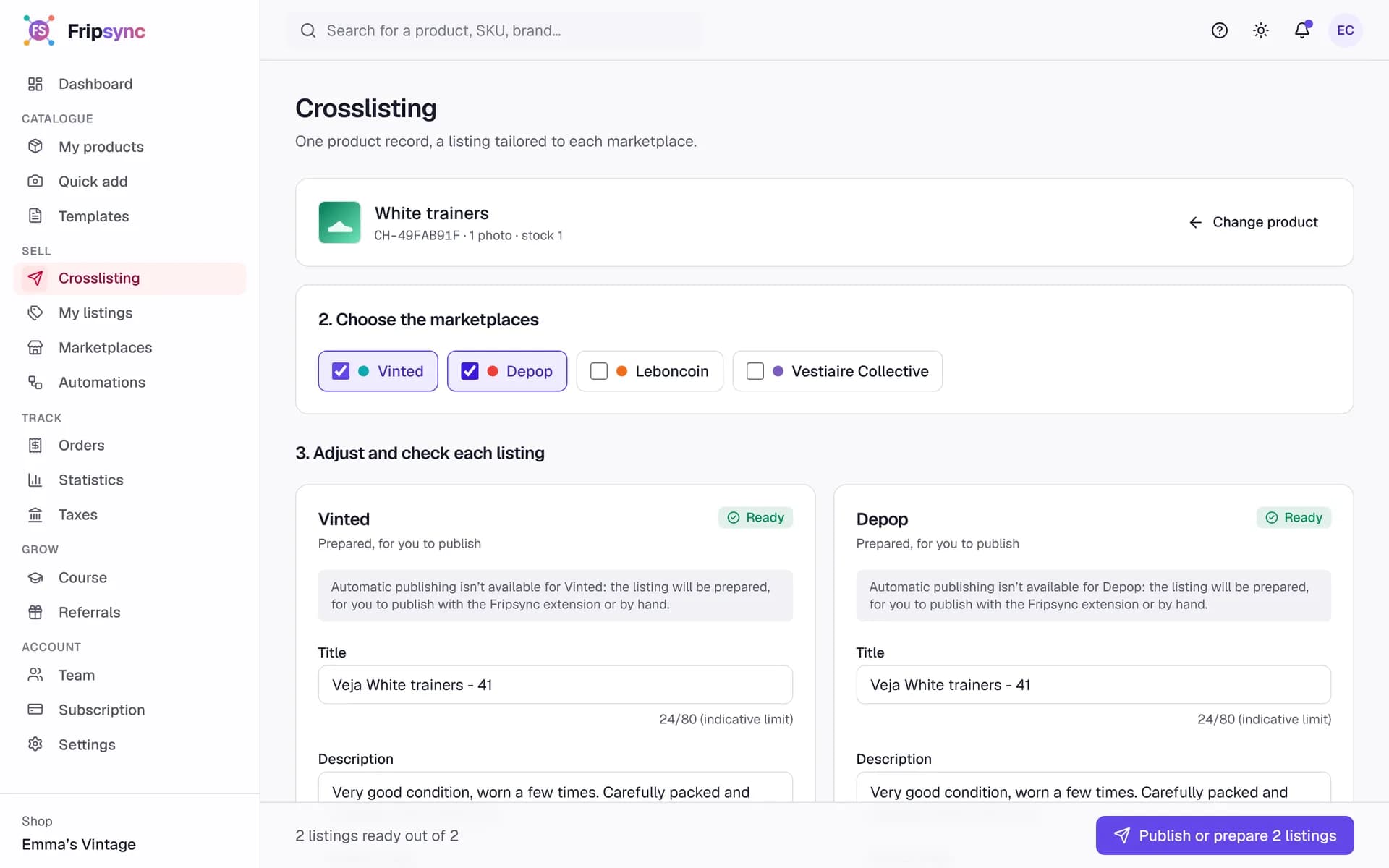
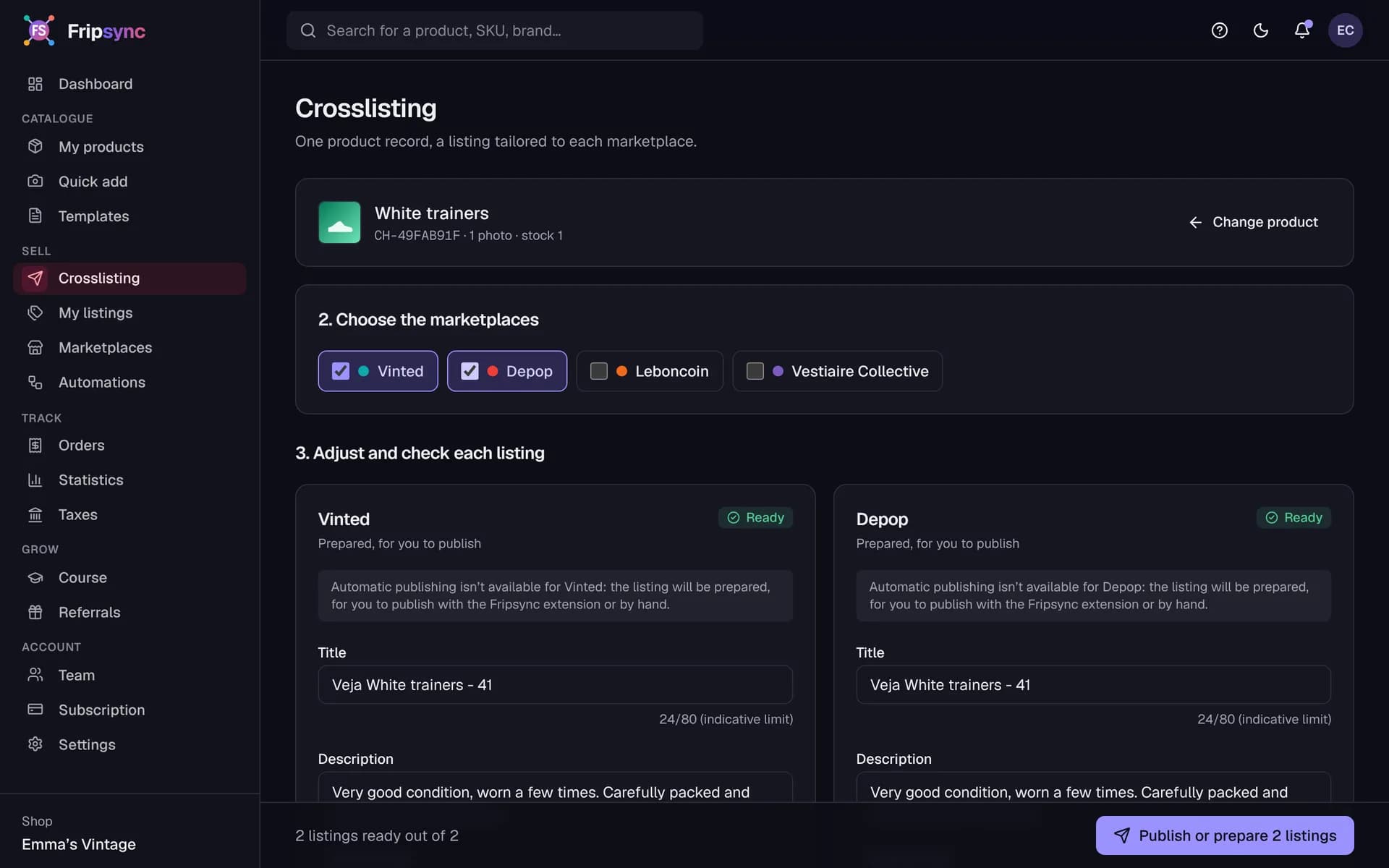
A listing tailored to each site
Tick the marketplaces: Fripsync prepares a listing for each one. Change the title or price for one site without touching the others, and see what’s missing before you publish.
- Title and price per marketplace
- Checked before publishing
- No duplicates possible
Tracking
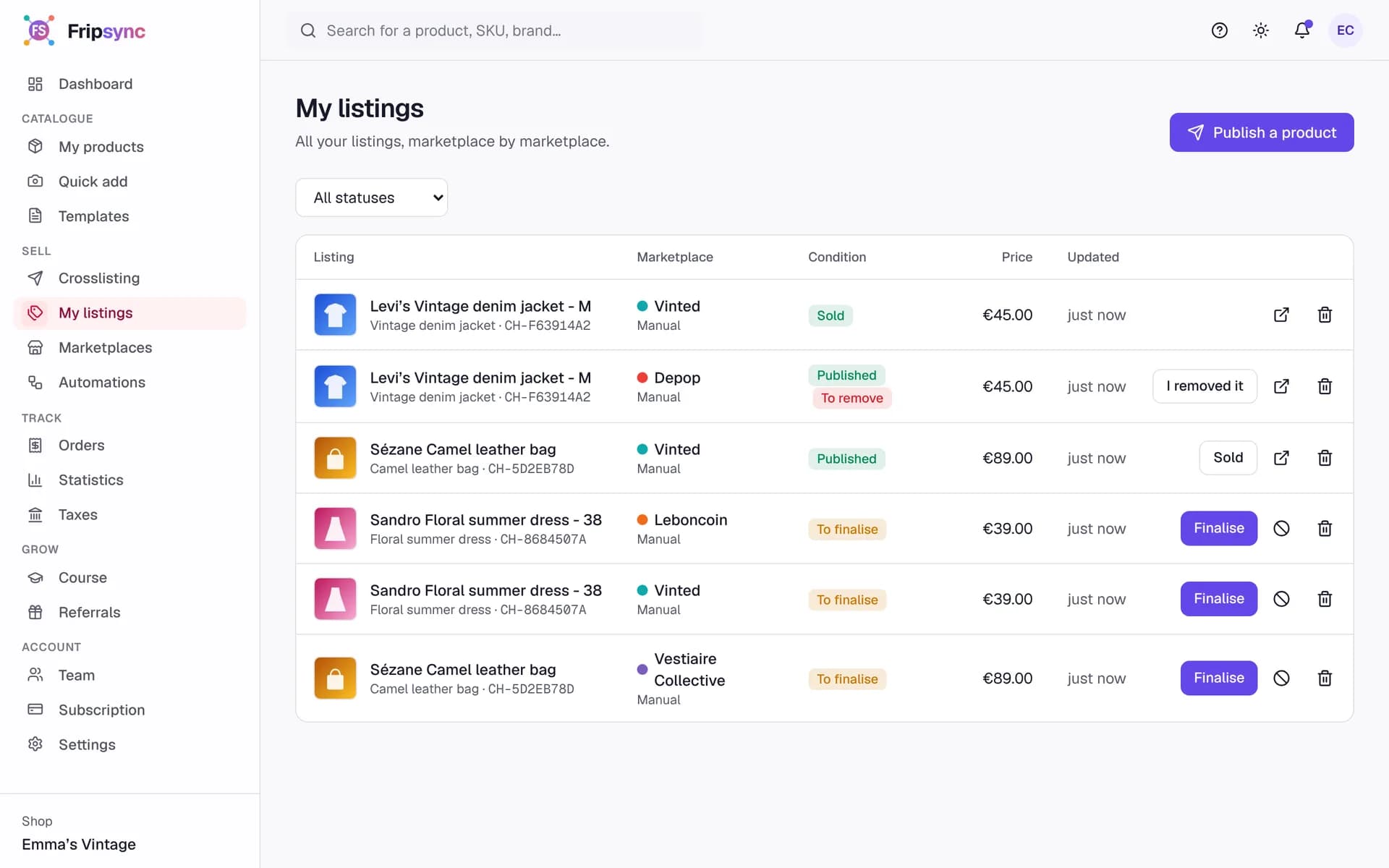
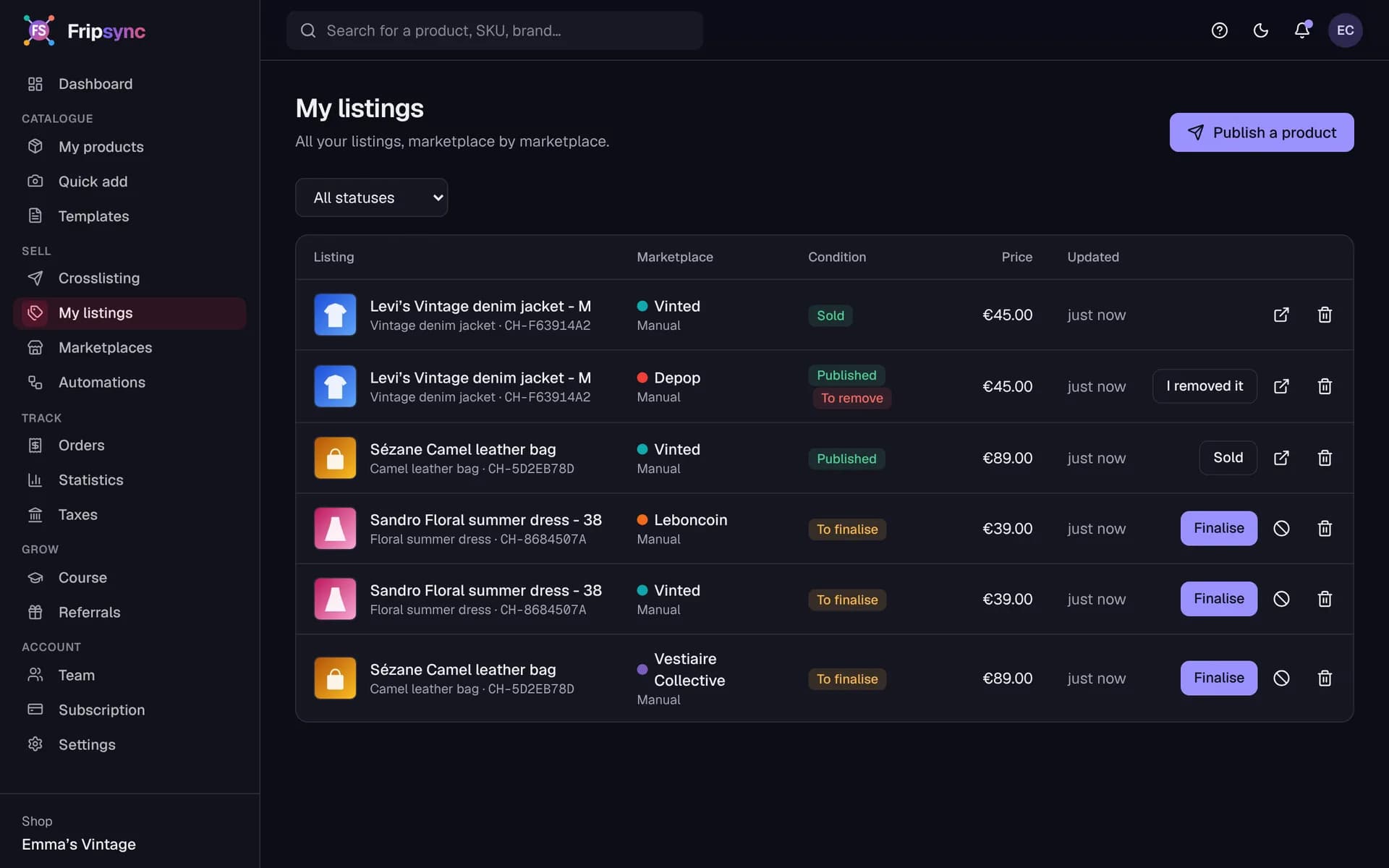
Sold here, flagged everywhere
Record a sale: stock updates and the item’s listings on the other sites are marked “to remove”. No more double selling.
- Status of every listing
- Listings to remove highlighted
- Orders and net amount
Screenshots of the app with a demo account.
By hand, or with Fripsync
| Task | By hand | With Fripsync |
|---|---|---|
| Entering an item | Once per site | Just once |
| Listing on 4 sites | Four forms to fill in | The extension fills them in, you check |
| Pricing for a specific site | Kept in your head | Saved per marketplace |
| After a sale | Remembering to remove the other listings | Listings to remove are flagged |
| Knowing your margin | A spreadsheet to keep up to date | Calculated from the purchase price |
Your accounts stay yours
No password required
The extension uses the session you already have open in Chrome. Your marketplace credentials are never sent to us.
You approve every listing
By default, nothing is published without your click. The extension stops if the site asks for a security check.
Your data stays yours
Catalogue and orders can be exported to CSV at any time, even without a subscription.
What Fripsync does
Central catalogue
One record per item: purchase and sale price, stock, condition, size, tags. CSV import and export, bulk editing.
Photos
Drag in your photos and reorder them: originals are kept and lighter versions are generated.
Crosslisting
One listing tailored to each marketplace, with its own title and price, checked before publishing.
Chrome extension
The extension fills in the sell form in your browser, using your own session. You stay in control of publishing.
Sales and stock
Record a sale: stock updates and the listings on other marketplaces are flagged for removal.
Automations
Simple rules: prepare listings when a product goes active, carry over a price change, get notified of a sale.
Pricing
Frequently asked questions
- Which marketplaces can I list on?
- Vinted, Depop, Leboncoin and Vestiaire Collective. For each one, Fripsync prepares the listing and the Chrome extension fills in the sell form.
- Is Fripsync an official partner of these marketplaces?
- No. These platforms don’t offer automated access to everyone. The extension works in your own browser, with your session, just as you would by hand. Their terms of use may restrict or prohibit automation: you use this feature at your own risk.
- Can the extension see my Vinted password?
- No. It reads neither your passwords nor your cookies, and sends no session data to our servers. It writes into the sell form on screen, and stops if the site asks for a security check.
- What exactly does the extension fill in?
- The title, description, price and photos. Category, condition and size are still chosen on the site, because each marketplace has its own lists.
Free tool
Margin calculator
Commission, shipping, purchase price: see what you really keep from a sale, and the lowest price to accept when negotiating. No sign-up needed.
Ready to bring your listings together?
Create your account and add your first item in a few minutes.
Create my account